Simple for businesses. Simple for customers.
Local is where customers discover you. Bookings is where they book you. Here is the path from one to the other.
For businesses
-
1
Add your business
Fill in a guided form: what you do, where you are, when you are open. It takes a few minutes and costs nothing. Or let our profile setup service build it for you.
-
2
Check and publish
Confirm your email, preview your profile exactly as customers will see it, and approve it. Edit it whenever you like from a sign in link.
-
3
Be discovered
Customers discover you on the platform, on the map, in your category and through search engines. Your dashboard shows how often.
-
4
Get booked
Customers call, message or follow your booking link. With WebScheduler Bookings they pick a time that suits your calendar.
For customers
-
1
Discover
Type what you need and where, like "dentist in Pretoria", or open the map near you.
-
2
Compare
Check hours, services, photos and reviews. Put businesses side by side. Look for the Verified badge in South Africa.
-
3
Contact or book
Call, chat on WhatsApp, get directions or book online, straight from the business profile.
Behind the booking
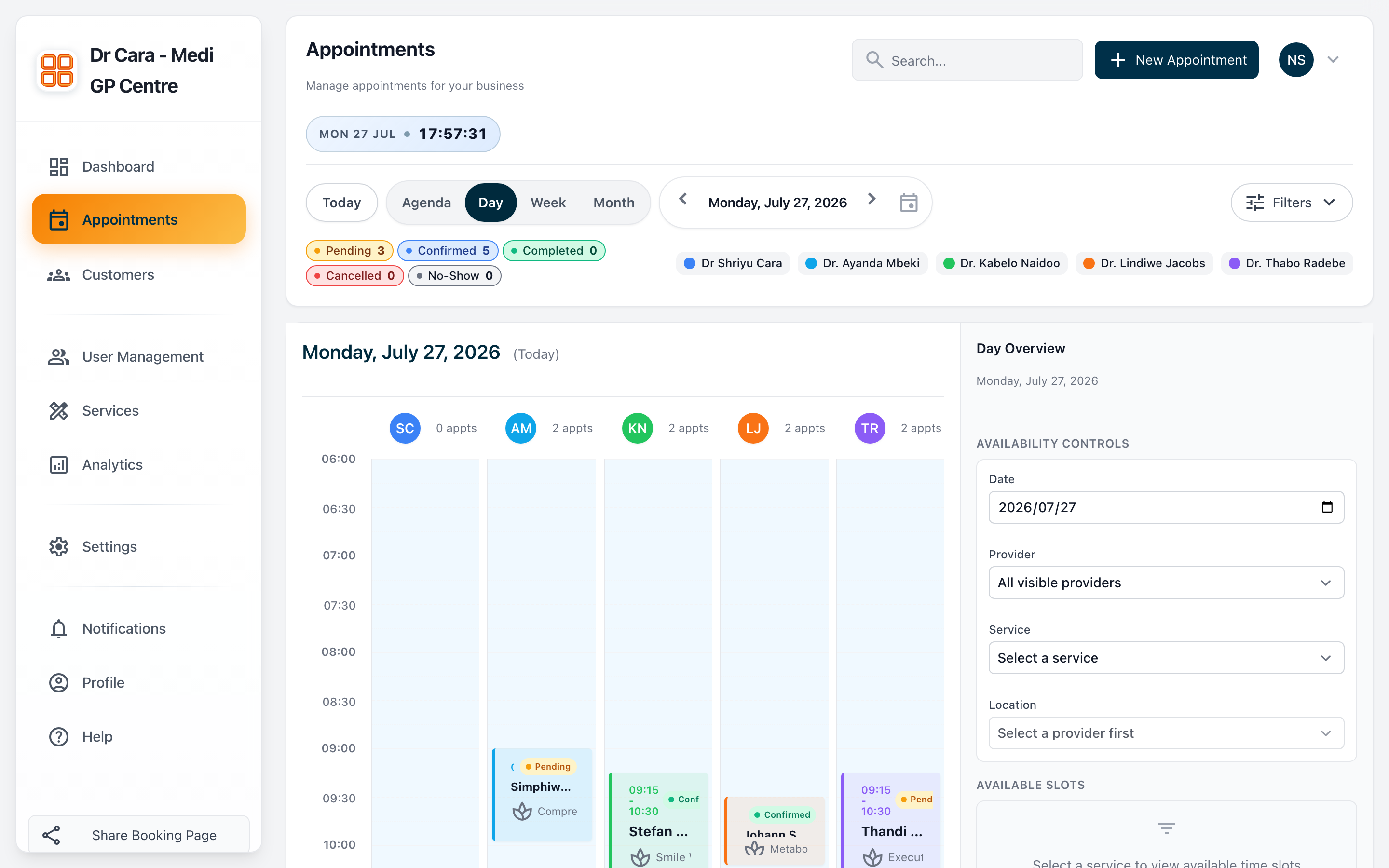
WebScheduler Bookings runs your calendar. Customers book from your branded booking page, your team works from one shared calendar, and reminders go out on their own.
- Set your services, durations and who provides them
- Customers book open times only, day or night
- Reminders cut the appointments people forget
- See every booking, customer and trend in one dashboard